AnFlo

Detecting Anomalous Sensitive Information Flows in Android Apps

Summary

Smart phone apps are often critical from a security point of view because they usually have access to sensitive user data (e.g., contacts, position, heart rate, account credentials) and they might share such data to the external world through the Internet or with other apps.

Confidentiality of user data can be breached when there are anomalies in the way sensitive data is handled by an app, which may be vulnerable or malicious. Existing approaches that detect anomalous sensitive information flows have limitations in terms of precision because the definition of anomalous flows may differ for different apps with different functionalities. It is normal for “Health” apps to share heart rate information through the Internet but is anomalous for “Travel” apps.

In this work, we propose a novel approach to detect anomalies in the flows of sensitive data in Android apps, with better precision. To achieve this objective, we first group trusted apps according to their topics inferred from their functional descriptions. We then learn sensitive information flows with respect to each group of trusted apps. For each app under analysis, anomalies are identified by compar- ing sensitive information flows in the app against those flows learnt on trusted apps grouped under the same topic.

In the evaluation, information flows are learnt on 11,796 trusted apps. We then checked for anomalies in 596 new (benign) apps and identified 2 apps that contain vulnerabilities re- lated to anomalous flows. We also analyzed 12 malware apps and found anomalies in 6 of them.
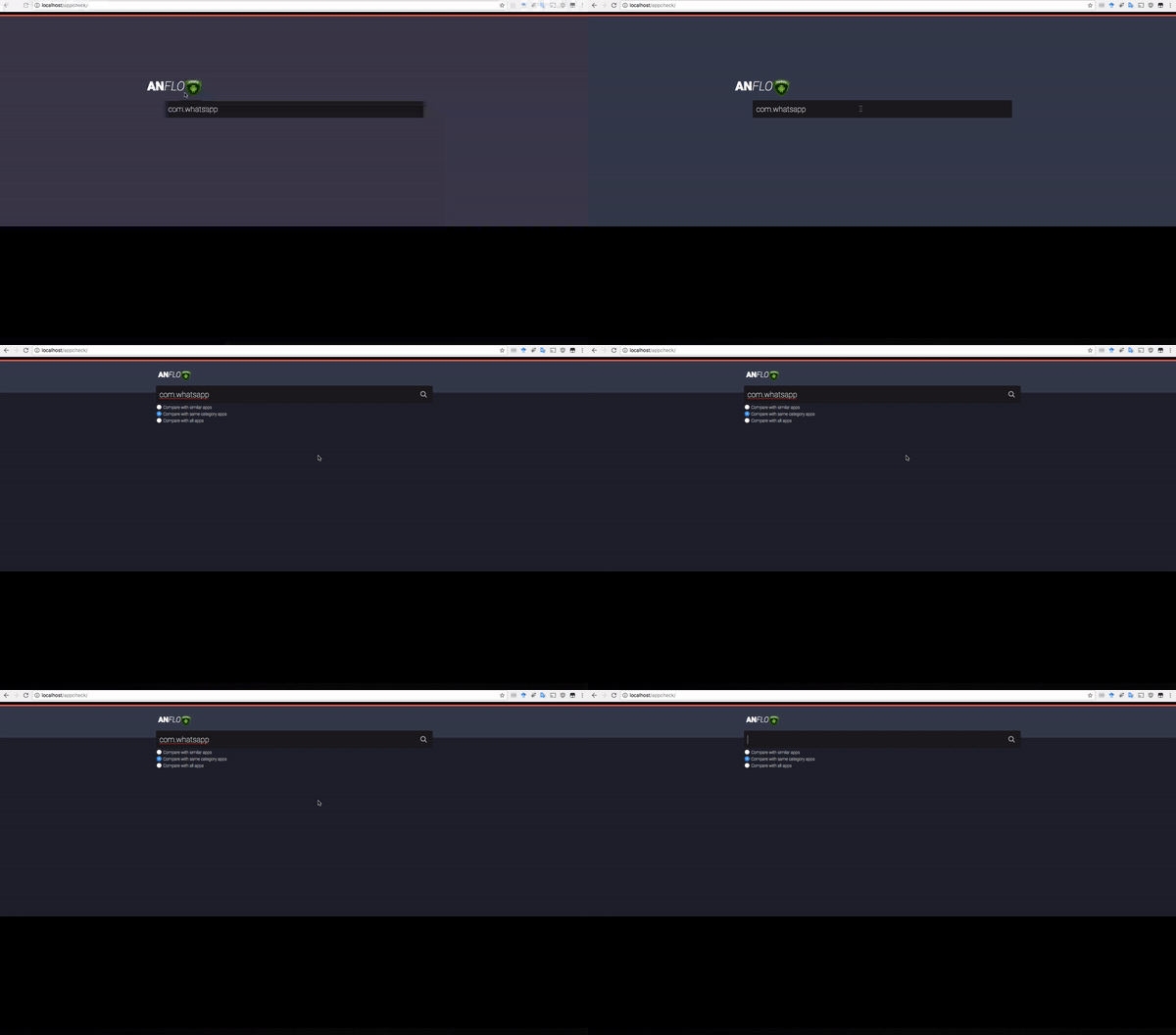
Demo video


Prototype components

Static taint analysis

AnFlo relies on IccTA for static taint analysis. We have, however, modified the output of source-sink and paths which is easier for us to parse for later analysis.

In order to properly run IccTA, the required dependences should be satisfied (for example Ic3 and SQL server). For more information on IccTA specific configuration, consult the link blow.

The original IccTA can be found here

R scripts

Once static taint analysis results are ready, we use several R scripts to create the models and do classification.

Download tool

Usage

Prerequisites for classification

In order to be able to classify apps, we need to first have a training data. Our training data consisits of 10K+ top Google Play apps. If you are also interested to do the classification based on topics, you need to perform the topic classification for the training apps.

However, if you just want to do the classification based on Google Play category, then you need to have category information of each tranining app.

If you don't want category either, then you have the option to use the entire training apps to classifiy app under test. But as a starting point, you can use the dataset that we used for this work here.

Download dataset

Static taint analysis

Run the following script passing the path to the APK

./run_analysis.sh ${APK}
This will produce the source-sink pairs and the corresponding paths in the app. It then generates the permission pairs from the source-sink pairs (i.e., API1-API2 => PERM1-PERM2). Once this result is ready, based on your preferred model, you can use the R script to classify the app under test.

Using the R classification scripts

Once you have the required data, open the R script for the preferred model and import the dataset and run the script. The script generates a table of anomalous apps with the anomalous flow ID.

# a CSV containing App, PermPairID for training apps
AppPermPairModel = read.csv("AppPermPairModel.csv")
# a CSV containing "App, PermPairID" for test apps
AppPermPairTest = read.csv("AppPermPairTest.csv")
# a CSV containing "App, Topic, Probability"
DominantTopics = read.csv("DominantTopics.csv")
# a CSV containing PermPairID mapping to SourcePerm-SinkPemr pair
PermPairMap = read.csv("PermPairMap.csv")
# repackaged apps topics
MalwareTopics = read.csv("MalwareTopics.csv")
# topics for FDroid apps that are also on Google Play
TopicsFDroid = read.csv("TopicsFDroid.csv")
# manually assigned general topics for the 30 topics classified by Mallet
GeneralTopics = read.csv("GeneralTopics.csv")
# CSV containing "APP, CATEGORY" for training apps (for Goole Play category based classification)
googleplay_app_new_cat = read.csv("googleplay_cats_model.csv")
# CSV containing "APP, CATEGORY" for FDroid apps (for Goole Play category based classification)
fdroid_cats_test = read.csv("fdroid_app_old_cat.csv")